How are we doing? An honest answer, every morning.
A management dashboard built from what the nurseries actually recorded: orders, dispatches, counts, placements and the tray ledger. Every number explains itself, and one click shows the records behind it.
Every nursery against its targets, with the reasons.
Figure, target, explanation
"On time in full 92%: 23 of 25 orders". Each tile shows the figure against its target, coloured on or off target, and says how it was counted.
Click through to the records
"Records ▾" opens the orders or batches behind any number, and every tile links to the screen where you act on it.
Filter any way you think
One nursery or all of them; this financial year, the last three months, this month or a custom range; by species, method, camp, stage, customer, internal or external.
Charts or tables. Bars, rankings and breakdowns with targets and warnings marked, and the records behind each one a click away.
Ready-made views: Standard, Executive, Production control, Space & availability and Everything. Saved per person.
More than 70 measures, from the nursery floor to the boardroom.
"How these are calculated" defines every one. A dash means no figure exists, never zero.
Every report in one place, by module.
Searchable, grouped by module, with Open or one-click download. Only the reports your role may open are listed.
Workbooks that read like a finished report.
Every list downloads exactly as filtered on screen. Excel workbooks come with charts, tables and totals, and an "About this report" sheet: who exported it and when, the filters, the row count, and what the figures do not mean. Unknown values are empty cells, never zeros.
Saved views
Name a filtered view and keep it to yourself or share it with a role. Shared views respect each viewer's access: a supervisor opening the manager's view sees only their own nursery.
Scheduled reports
Daily, weekly or monthly at the hour you choose, to yourself or to everyone holding a role. The email carries the report's name and a sign-in link, not the figures, so your data stays in the system and every download stays audited.
Told when it matters, quiet when it doesn't.
A bell and a full inbox, filtered by area (orders, production planning…) and severity. Snooze with "remind me tomorrow". Each person chooses in-app or email, with SMS on request. Home's reminders and the sidebar badges count the work waiting for you.
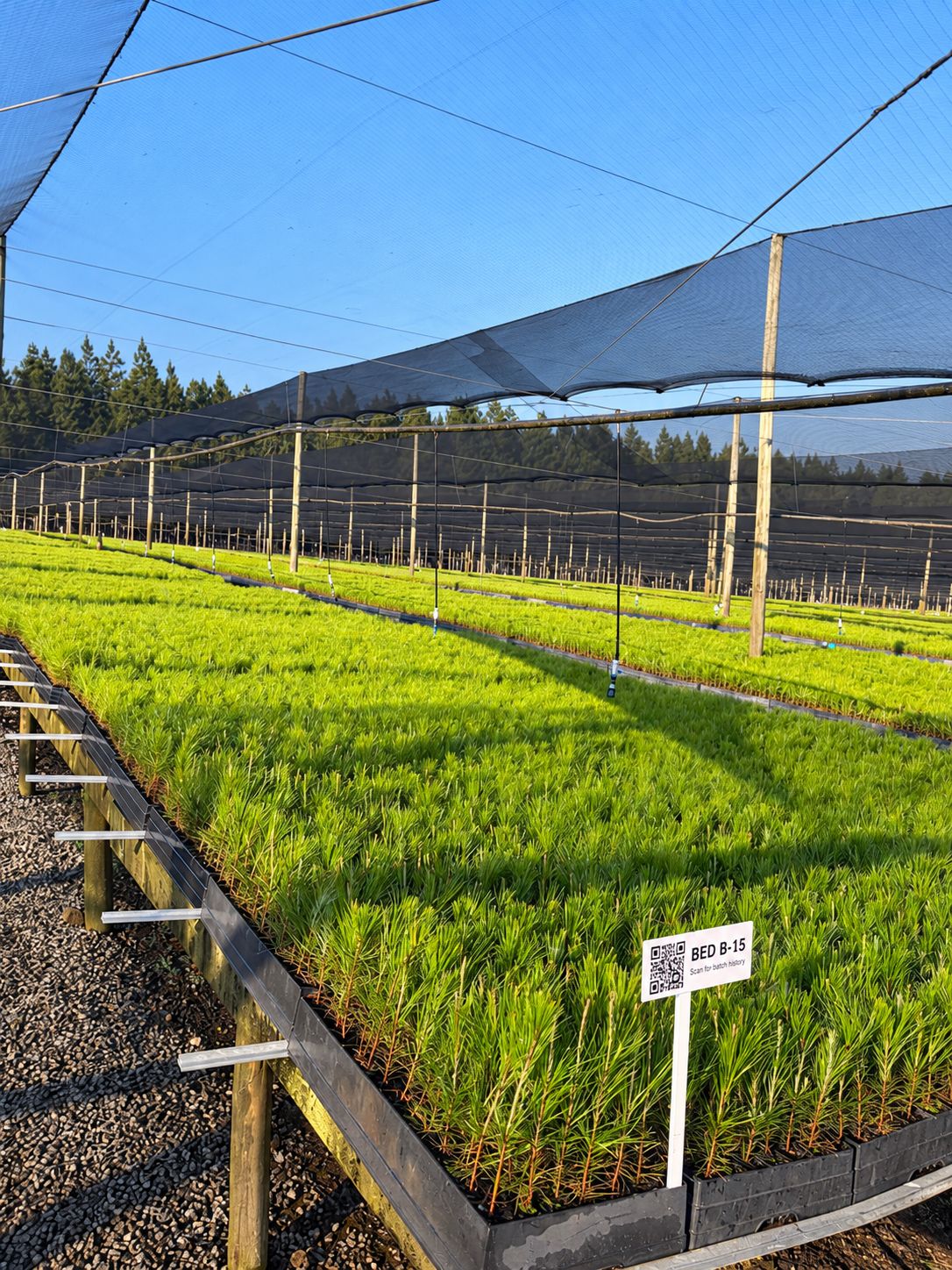
Be one of our first pilot nurseries.
We work closely with a small group of nurseries to set up OperoNMS on their sites. You get hands-on setup and training, your own nursery's layout and recipes loaded with you, and a direct say in what we build next.