The plan on the desk, the truth from the floor.
A rugged Android tablet that does five things and does them well: count stock, look up a bed, check quality, load a truck, and look after itself. Scan the label, enter the number, done. No signal? It carries on, and syncs later.
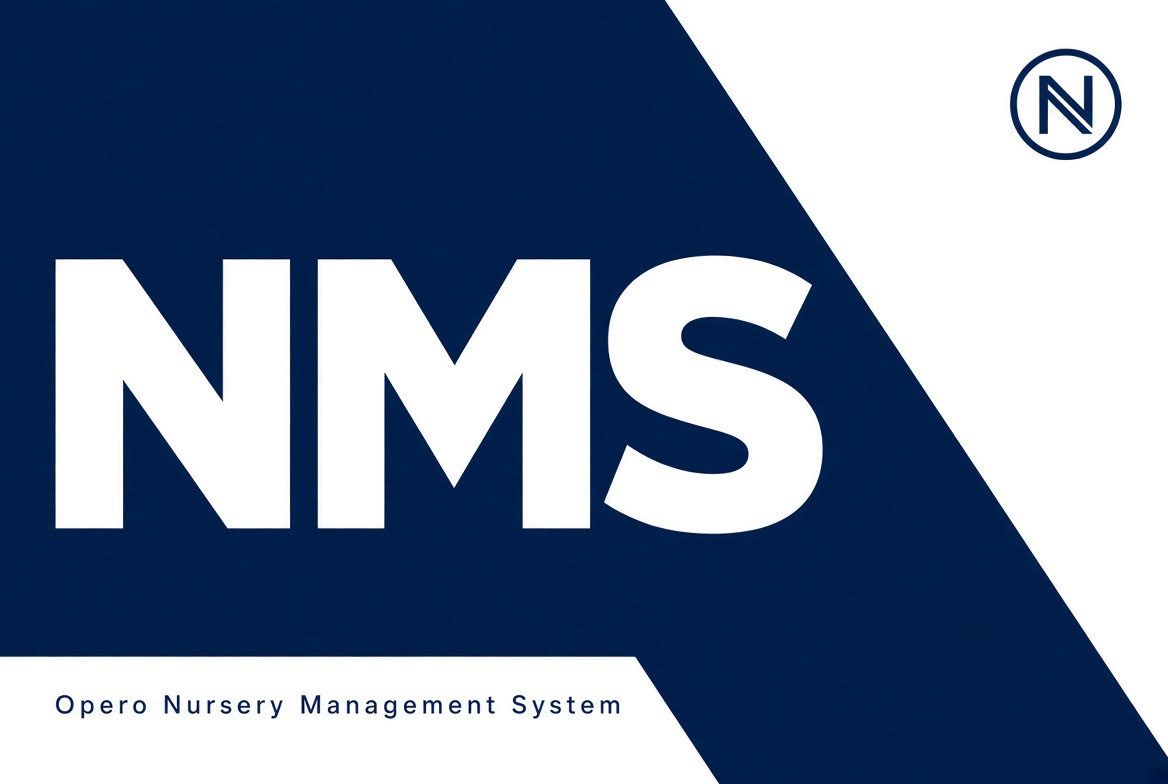
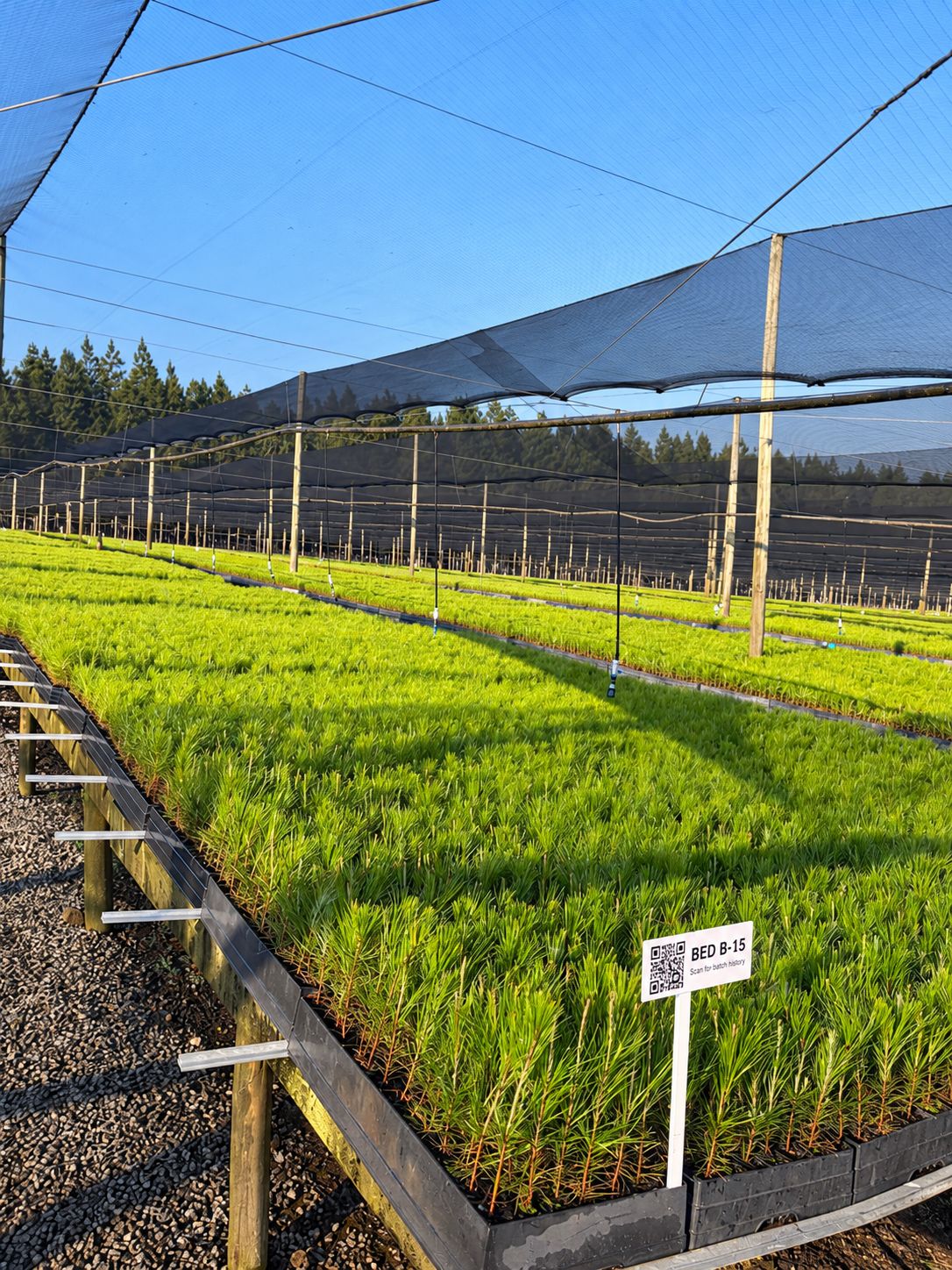
Bed labels hang at the end of each bed. Every bed's batches are on the tablet, so this works with no signal.
Dispatches are created on the desk. Loading and "ready" are saved with no signal and synced later.
Labels updated today 06:40 · 1,248 labels · 312 batches
With no signal at sign-in, your six-digit PIN opens capture-only mode.
Interactive: tap the tabs, scan a label, save a count. Example data from the demo nursery.
This is the tablet. Go ahead, use it.
The tablet beside this text is a working copy of the real app's screens, with the demo nursery's data. A few things to try:
- Count a batch. Tap the viewfinder on Count, adjust the plants counted, and save.
- Lose the signal. Switch "Take the tablet out of signal" on, count again, and watch the banner and the waiting badge. Switch it back to sync.
- Look up a bed. On Beds, scan the bed label to see what the plan puts there today.
- Check quality. On QC, open a batch to see if it may be dispatched and why.
- Load a truck. On Dispatch, open D-2026-0478 and scan a batch onto it.
One job per tab. Nothing a floor team doesn't need.
| Tab | What it does | With no signal |
|---|---|---|
| Count | Stock take: scan a batch, enter the plants counted and how: a full count, a sample scaled up, or an estimate. Recorded as the batch's actual stock, and the plan recalculates from it. | Works saved, signed, synced later |
| Beds | Scan the label at the end of a bed to see every batch on it. Count or check one from there. | Works every bed's batches are on the tablet |
| QC | Scan a batch to see its quality status, the last inspection, how long the pass is valid, and whether it may be dispatched. Record an inspection. | Status reads recording an inspection needs signal |
| Dispatch | Today's dispatches. Scan batches onto the truck as their trays go on, mark ready, confirm departure. | Loading works departure checks quality online |
| Me | The tablet's enrolment, what's waiting to sync, downloading labels, the offline PIN, lock and sign out. | Works |
"Record loss" is on every screen that shows a batch. The desk keeps the full application for everything else.
The far end of a hardening camp has no Wi-Fi. That's fine.
Everything a capture needs is already on the tablet: the site's labels, batches, beds, quality status and today's dispatches. Captures are queued, signed and sent when signal returns.
Queued, not lost
A clear "Offline" banner and a waiting count. Captures stay on the tablet until they are sent, however long that takes, and an old capture is warned about, never refused.
Signed on the device
Each enrolled tablet has its own signing key that never leaves it. Every capture is signed, and its quantity is inside the signature, so nobody can change a count after it was taken.
Offline sign-in with a PIN
No signal at sign-in? A six-digit personal PIN opens capture-only mode for a set window: 72 hours by default, between 8 hours and 7 days. Wrong PINs lock out; supervisors clear it.
Who, how, and when
Every capture records the person, the tablet and how they were identified: an online session or an offline PIN. It appears in the batch's activity log with their name.
Withdrawn access, flagged
If someone's access was withdrawn before the scan, their capture is accepted and flagged for a supervisor to review, never silently lost. Nobody may approve a review of their own capture.
Corrections, not edits
Records are append-only. A mistake is corrected by a further count, never by changing the original, so the history always adds up.
Every lost plant has a reason, and big losses have a photo.
Record a loss from the tablet or the batch record. Categories are yours to rename, hide or add to, and the defaults cover what nurseries actually lose plants to. From 10 trays, or 1,000 plants when the tray size is unknown, a photo is required. Both thresholds are your settings.
The plan uses the larger of the recipe's expected loss and what was recorded, so a frost or hail event shows up in production proposals the next morning.
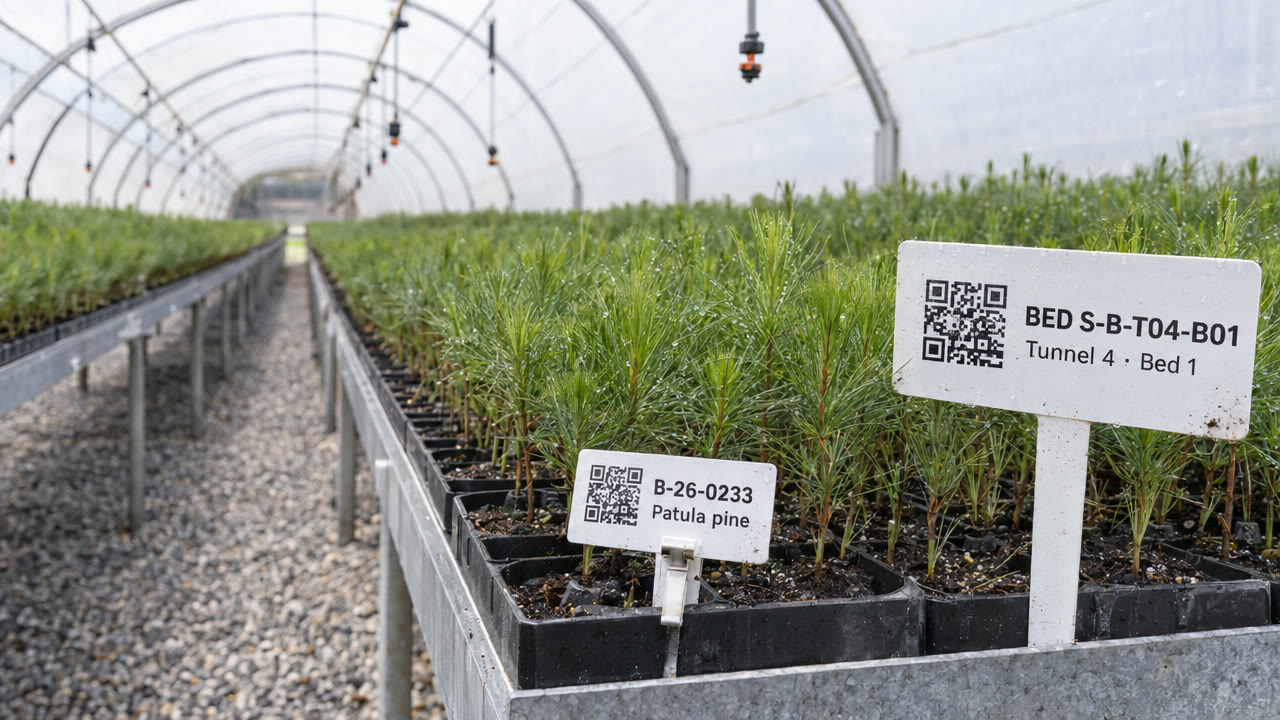
A QR label on every batch and every bed, printed where you need it.
A label is created, printed and reprinted from the thing it names: a batch's from its record, a bed's by clicking it on the nursery layout. Labels carry the batch number, species and nursery beside the code.
- Print-ready PDF sheets for A4 sticker sheets (21 or 14 a sheet)
- Thermal labels 50 × 25 mm and 100 × 50 mm
- Any number of copies; QR and Code 128 readable by camera and scanners
- Type or paste a code in the desk's top bar to open what it names
From seed lot to planted compartment, in minutes.
Trace any batch backwards to its seed lot, mother hedge or supplier, and forwards through its phases, moves and dispatches to the customers who received it. Answer a customer complaint, a disease investigation or an auditor's question in minutes, not days.
- Seed lot, hedge or partner nursery as the source
- Every count, loss, inspection and move on the way
- Every dispatch, delivery note and customer at the end
- After a disease disposal, put related batches on hold in one step
Ordinary Android tablets, or rugged ones with a built-in scanner.
Any Android 10+ tablet
From a budget Galaxy Tab A7 or Lenovo Tab M10 to a rugged device. The camera reads QR and Code 128 labels.
Rugged scanners
Built-in scanners on Zebra and Honeywell rugged tablets, and keyboard-wedge Bluetooth scanners, work out of the box.
Nursery-owned, enrolled
Tablets belong to the nursery and are enrolled by a site manager. One app for every organisation: on first launch it is given your organisation's address.
iPads too
The browser capture page reads labels on an iPad.
Be one of our first pilot nurseries.
We work closely with a small group of nurseries to set up OperoNMS on their sites. You get hands-on setup and training, your own nursery's layout and recipes loaded with you, and a direct say in what we build next.